
This document introduces the use of Kip 7970 printer, including installation steps and usage methods
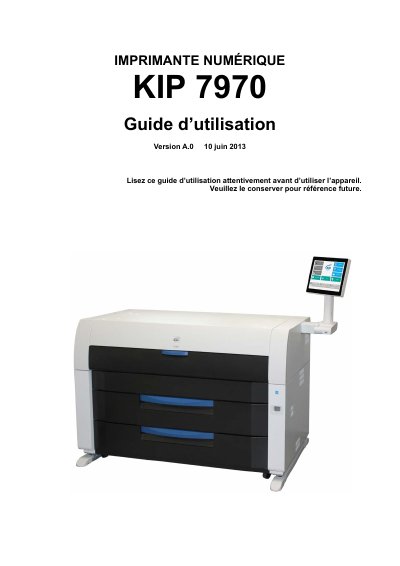
This document is the User Guide for the KIP 7970 digital printer, covering essential information for safe operation and setup. It includes regulatory compliance details for North America, Europe, and China, along with specific electrical requirements and safety warnings regarding power cords and installation environments.
The guide details the operational procedures for the printer, including powering it on and off, replacing paper rolls and toner cartridges, and stacking printed documents. It also provides a troubleshooting section to help users resolve common issues such as paper jams, open doors, and empty toner or roll indicators. This manual is written in French.
| Voltage | 220-240 volts |
|---|---|
| Frequency | 50 or 60 Hz |
| Current | 20 A or more |
The user interface screen will display the 'Toner empty' symbol.
The user interface will display the paper replacement symbol, and the required support roll must be installed in one of the drawers.