
Key facts
- Manuals
- 4
- Languages
- EN · ZH
- Last added
- 2023-03-03
Featured KIP manuals
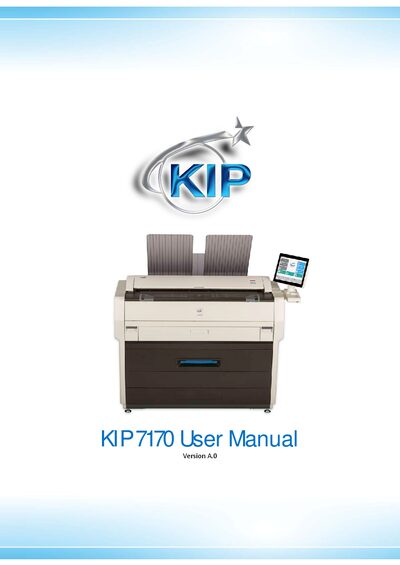
KIP 7170 Multi-Function Printer User Manual
This hardware operation guide for the KIP 7170 Multi-Function Printer includes safety warnings, FCC and CE compliance information, and detailed installation requirements such as power source specifications for the U.S. and Europe. It also outlines prohibited copying items, environmental conditions, and proper handling to avoid damage or injury.
The manual describes the printer’s features, technical specifications (power consumption, dimensions, weight, interfaces, noise levels, ozone emission), and maintenance procedures like cleaning the touch screen, sensors, and guide plates. It serves as a comprehensive reference for safe setup and everyday use of the KIP 7170.
Covers: Installation Requirements · Safety Warnings · Features · Specifications · Scan Original Specifications · Printing Paper Specifications
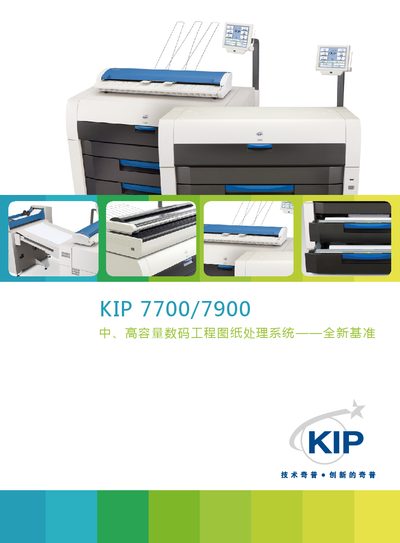
KIP 7700/7900 System User Manual
The KIP 7700/7900 system is a high‑capacity, high‑speed printing solution designed for engineering and large‑format applications. The manual provides an overview of the printer’s technology, hardware layout, safety features and supported file formats.
Key sections cover printing performance, hardware specifications, power requirements, connectivity options, and detailed operating procedures. The document also includes a specifications table, FAQs, and contact information for service and support. This manual is written in Chinese.
Covers: System Overview · Printing Technology · Performance Specifications · Hardware Dimensions & Power · Safety Certifications · Connectivity & File Formats
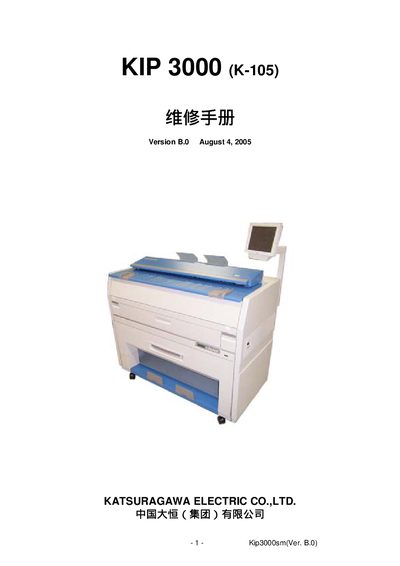
KIP 3000 (K-105) repair manual
The document describes the various operating modes of the K-105 printer, including Input/Output Checking, Information, Function Checking, Adjustment, Running, Jam/Error Masking, Test Print, Factory Adjustment and Clear modes. Each mode is accessed through the MENU key and the LCD displays the current status and signal codes.
Detailed sections list the signal definitions, connector pin assignments, USB interface, LCD display functions and service procedures such as firmware update, utility functions and component replacement. The manual also includes a parts list and wiring diagrams for the printer’s internal modules. This manual is written in Chinese.
Covers: Input/Output Checking Mode · Information Mode · Function Checking Mode · Adjustment Mode · Running Mode · Jam/Error Masking Mode
KIP 700m All-in-One User Manual
The KIP 700m series is presented as a reliable, durable engineering printer with high‑definition HDP+ technology, integrated scanning, and a touch‑screen IPS controller. It supports printing, copying and colour scanning in parallel, with features such as dynamic background‑filtering (KIP RTT) and extensive network connectivity.
The manual details the system’s hardware specifications, software environment, and maintenance procedures, including modular design for easy repair and a built‑in self‑diagnostic system that logs faults and alerts technicians. This manual is written in Chinese.
Covers: System Overview · Printing Technology · Scanning Technology · Image Processing & File Formats · Interfaces · Technical Specifications
Latest KIP manuals
KIP 7170 Multi-Function Printer User Manual
User Manual 68 pages · 2.3 MB · ENThe KIP 7170 Multi-Function Printer User Manual provides safety warnings, installation requirements, features, specifications, and operating instructions.
KIP 7700/7900 System User Manual
User Manual 12 pages · 3.9 MB · ZHOfficial user manual for the KIP 7700/7900 high‑capacity printing system with specifications, operation and safety information.
KIP 3000 (K-105) repair manual
Service Manual 154 pages · 2.9 MB · ZHThis manual provides maintenance, testing, adjustment and troubleshooting procedures for the K-105 (KIP 3000) printer.
KIP 700m All-in-One User Manual
User Manual 4 pages · 2.7 MB · ZHThe KIP 700m all‑in‑one printer manual provides an overview, specifications, operation and maintenance instructions for this engineering printer.
Which document do I need?
User Manual
Day-to-day operation, settings and troubleshooting. Start here if the product is already set up.
Service Manual
Disassembly, diagnostics and part numbers, for repair.
Questions answered in KIP manuals
What are the power source requirements for the KIP 7170 in the USA and Europe?
In the USA the printer requires 120 V ±10%, 50/60 Hz, 15 A or higher; in Europe it needs 220‑240 V ±6% / ±10%, 50/60 Hz, 10 A or higher.
How should the touch screen be cleaned?
Wipe the touch screen with a dry cloth and do not use water, alcohol, organic solvent, or glass cleaner.
How can high‑resolution printing be achieved?
Use high‑resolution hardware and a compatible toner and powder system; the printer must support high‑resolution scanning and processing.
Can the printer operate on 380 V?
No, most high‑speed engineering printers are designed for 220 V power.
What is the print speed of the KIP700m?
The KIP700m prints at a speed of 2 A0 sheets per minute.
Does the KIP700m use waste‑free toner?
Yes, it uses 100 % waste‑free toner.