
This is the User Guide for Kipuk 970, which covers the device's functions and operational instructions.
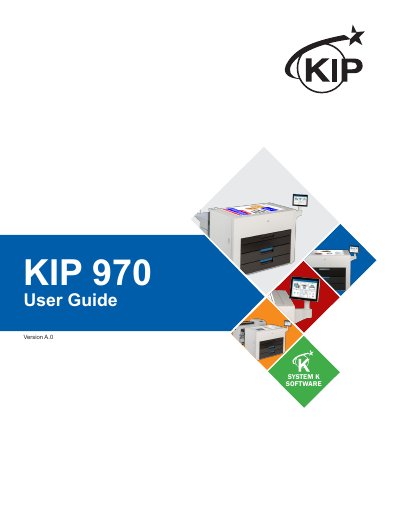
This document is the Hardware Operation Guide for the KIP 970 wide format color printer. It serves as a user manual to explain the functional and operational aspects of the device. The guide includes important safety warnings regarding electrical connections, environmental conditions, and physical handling to prevent injury or damage to the equipment. It also details installation requirements such as power source specifications and site preparation.
| Power Source | 208V - 240V plus 6% or minus 10%, 50/60Hz, 16A or higher |
|---|---|
| Circuit Requirement | Exclusive circuit |
| Temperature Range | 10 to 30 degrees Centigrade |
| Humidity Range | 15% to 80% RH (NON-CONDENSING) |
No, the manual explicitly warns not to install the printer in a humidified room or a dusty room.
The power source should be 208 to 240V plus 6% or minus 10%, 50/60Hz.
The power source must be 16A or higher.
The site temperature range is 10 to 30 degrees Centigrade.