
The JVC GZ-MG760 D and GZ-MG750 D/C/E camcorder user manual provides setup, charging, recording, playback, and maintenance instructions.
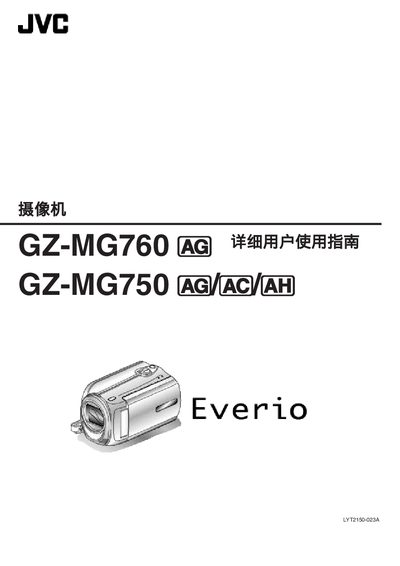
This manual covers everything you need to start using the GZ‑MG760 D and GZ‑MG750 D/C/E camcorders, including unpacking, charging the battery, basic operation, recording video and still images, playback, and a variety of shooting tips for holidays, weddings, travel and more.\n\nIt also includes detailed menu settings, troubleshooting steps, specifications, accessory information, and maintenance guidelines to keep the camcorder running smoothly over the long term. This manual is written in Chinese.
| Power supply (AC adapter) | AC 110‑240 V, 5.2 V DC, 1.8 A |
|---|---|
| Battery | 3.6 V, 700 mAh |
| Dimensions (camera only) | 53 × 63 × 110 mm |
| Weight | ≈250 g (camera only), ≈280 g with battery |
| Image sensor | 1/6" 800,000 pixels |
| Optical zoom | up to 39× |
Connect the supplied AC adapter (AP‑V30M) to an AC outlet (110‑240 V) and attach it to the camcorder; the battery will charge while the unit is powered.