
This manual is for JBL CINEMA SB450, introducing the product's features, usage methods, and installation methods.
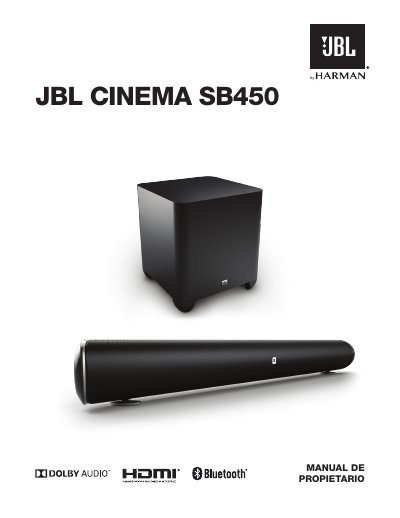
The JBL Cinema SB450 is a home entertainment soundbar system designed to deliver an extraordinary audio experience. The package includes the soundbar, a wireless subwoofer, remote control, HDMI and optical cables, power cords, wall mounting brackets, and a quick start guide.
This document details how to connect the system to various sources including HDMI, Optical, and Aux inputs. It covers powering on and off, pairing the wireless subwoofer, using Bluetooth and JBL Connect features, adjusting volume and bass levels, and utilizing Virtual Surround sound. This manual is written in Spanish.
Press the Pairing button on the back of the soundbar to initiate wireless pairing between the soundbar and the wireless subwoofer.
Press the Power button to turn the system on when in standby mode, or press it while the system is on to put it into standby mode.
You can cycle through HDMI 1, HDMI 2, HDMI 3, HDMI TV, Aux, and Optical sources using the Source button.