
This document is the quick start guide for JBL Everest 300/700 headphones. It introduces the basic use of the headset.
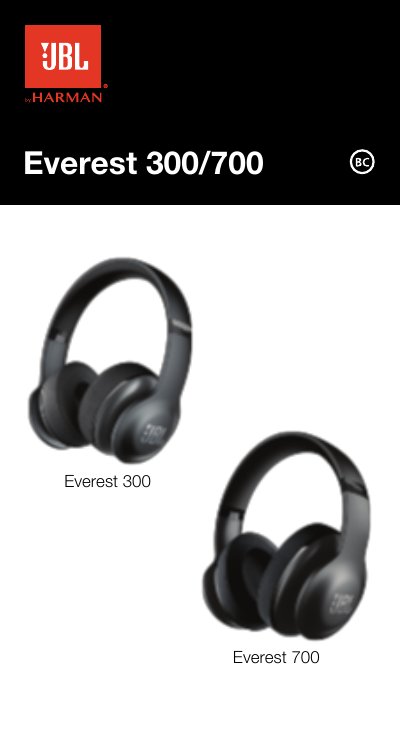
This document serves as a Quick Start Guide for the JBL Everest 300 and Everest 700 wireless headphones. It provides instructions on how to turn on Bluetooth, pair the device with a source, and interpret LED status indicators for power and battery levels. The guide also explains how to connect an audio cable for listening when the battery is low.
A flashing white LED indicates that the battery level is low.
You can turn off the Bluetooth radio when the battery is low to listen to music using the audio cable.
ShareMe 2.0 enables sharing your audio with another set of Bluetooth wireless headphones of any brand.