
This document is the user guide of JBL ON STAGE 400P, which mainly introduces the features and characteristics, usage methods, precautions, etc. of the product.
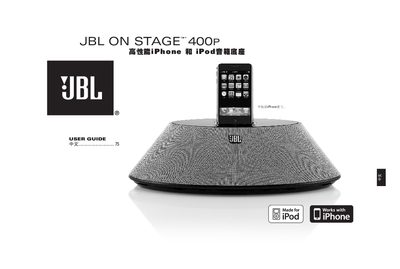
This guide covers safety precautions, proper installation, and how to connect power and audio cables for the JBL On Stage 400 P speaker dock. It explains remote‑control functions, charging of iPhone/iPod, and FCC compliance information.
The manual also includes troubleshooting advice for common issues such as no sound, interference, and charging problems, plus a full list of technical specifications and regulatory certifications. This manual is written in Chinese.
| Frequency response | 40 Hz – 20 kHz |
|---|---|
| Maximum power consumption | 55 W |
| Input impedance | >10 kΩ |
| Signal‑to‑noise ratio | >85 dB |
| Input sensitivity | 250 mV RMS |
| Dimensions | 14‑1/4" × 7‑3/16" × 3‑3/4" (362 mm × 183 mm × 95 mm) |
| Weight | 3.8 lb (1.7 kg) |
| Power output | 1 × 30 W (woofer) and 2 × 15 W (tweeter) |
| Power supply voltage (US/Canada) | 120 V / 60 Hz AC |
Plug the power cord into a wall outlet, then press the power switch; a green LED will light to indicate the unit is powered.
Make sure the iPhone/iPod is properly seated in the dock and that the audio cable is correctly connected; also verify the source volume is up.
Move the device farther from the receiver, adjust the antenna direction, or plug the unit into a different circuit branch.
Check that you are using the correct adapter compatible with your iPhone/iPod model; the dock will charge when the proper adapter is used.