
Invertek Optidrive VTC Variable Torque Control AC Variable Speed Drive User Guide

This user guide covers installation, operation, parameter settings, and troubleshooting for the Invertek Optidrive VTC AC Variable Speed Drive ranging from…
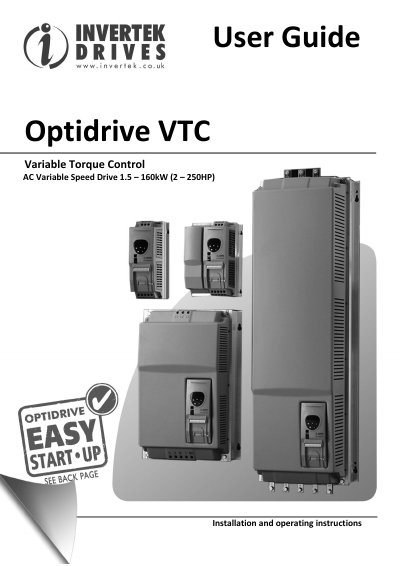

Invertek Optidrive VTC Variable Torque Control AC Variable Speed Drive User Guide - cover page
Brand
Invertek
Category
Motor
Document type
User Manual
Language
English
Pages
32
File format
PDF
File size
1.9 MB
Published
05 November, 2026
Updated
05 November, 2026
MD5 checksum
1FC1D5D5A34749B4B763E4EE4B02BB34

About this manual

The Invertek Optidrive VTC is an AC Variable Speed Drive designed for professional incorporation into complete equipment or systems. This manual provides detailed instructions for mechanical and electrical installation, including grounding, wiring precautions, and connection diagrams for incoming power and motor cables. It also covers the use of dynamic brake resistors and control terminal connections.

What's inside

  • Introduction
  • General Information and Ratings
  • Mechanical Installation
  • Electrical Installation
  • Operation
  • Parameters
  • Analog and Digital Input Configurations
  • Troubleshooting
  • Technical Data
  • Modbus Communications

Specifications

Power Range1.5 – 160kW (2 – 250HP)
Warranty Period2 years
Software VersionV3.10

Frequently asked questions

How long must one wait before working on the drive after disconnection?

You must isolate the drive and wait 10 minutes before starting any work on it due to high voltages present within the drive.

What is the maximum speed parameter setting?

Parameter P1-01 can be set to operate the motor at up to 120,000 rpm.

What is the maximum relative humidity for operation?

The relative humidity must be less than 95% (non-condensing).

Download PDF (1.9 MB)

More Invertek Manuals


View all Invertek manuals →