
This user guide covers the installation, wiring, operation, parameter configuration, and troubleshooting for the Invertek Optidrive E2 variable speed drive.
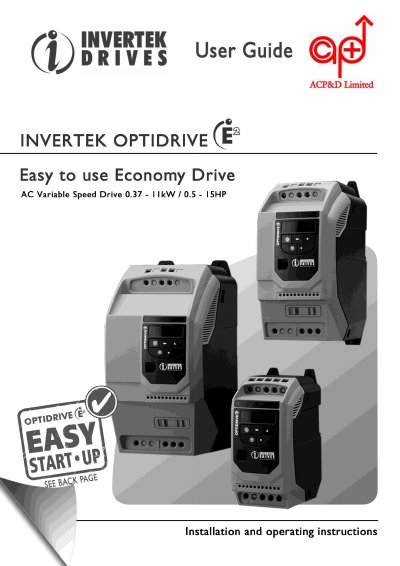
The Invertek Optidrive E2 is a variable speed drive intended for professional incorporation into complete equipment or systems. This guide provides essential safety information, including warnings about high voltages and the need for isolation before maintenance, as well as EMC compliance requirements for domestic and industrial environments.
The document details the mechanical installation and wiring procedures for both power and control connections. It explains how to manage the keypad, reset factory defaults, and configure various control modes such as terminal, keypad, MODBUS, and User PI control. Additionally, it lists standard and extended parameters, provides troubleshooting advice for fault messages, and includes technical data regarding environmental ratings and supply limits.
| Ingress Protection rating | IP20 |
|---|---|
| Maximum motor speed | 60,000 rpm |
| Fan activation temperature | 45ºC |
| Relative humidity limit | less than 95% |
| Warranty period | 2-year |
The Optidrive has an Ingress Protection rating of IP20.
Yes, Parameter P-01 can be set to operate the motor at up to 60,000 rpm.
You must wait 10 minutes after turning off the supply before disconnecting or working on the drive.