
This document is about the technical parameters of OPTIDRIVE E & ODEF products, including electrical data and digital input
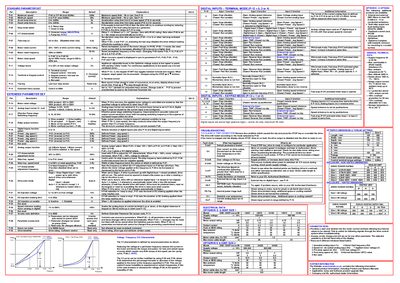
This manual provides detailed information for installing, configuring and operating the Invertek Optidrive E & ODEF series drives. It includes electrical data, wiring diagrams, parameter settings, and safety instructions for both terminal and keypad control modes.
The guide also covers mechanical installation, grounding requirements, fast‑stop functionality, and troubleshooting steps to clear trip conditions. Reference tables list standard technical data, dimensions, torque settings and digital input functions.
| Supply voltage | 220‑240 V / 380‑480 V ±10 % |
|---|---|
| Motor output rating | 0.37 kW – 2.2 kW (0.5‑3 HP) |
Fast stop (P‑07) immediately stops the drive when the specified digital inputs are closed together, disabling the output without coasting.
Switch the power supply off, wait for the drive to power down completely, then switch it on again; this saves changes when P‑38 is set to 0.