
User guide with installation and operating instructions for the Invertek Optidrive ODE-2 AC variable speed drive, 0.37–11kW / 0.5–15HP, IP20, IP55 and IP66…
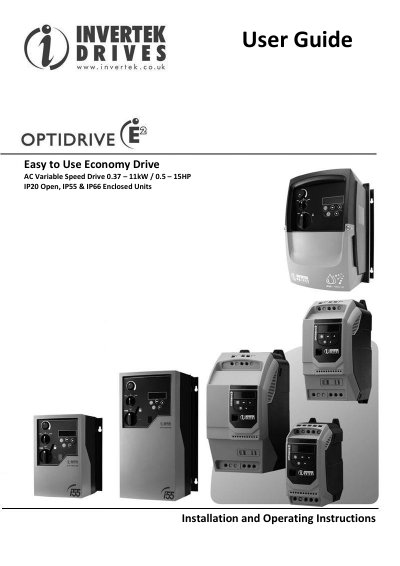
This User Guide covers the Invertek Optidrive ODE-2, an easy to use economy AC variable speed drive rated 0.37 – 11kW / 0.5 – 15HP, available as IP20 open, IP55 and IP66 enclosed units. It is intended for professional incorporation into complete equipment or systems as part of a fixed installation, and installation and maintenance must be carried out only by qualified electricians.
The guide explains safety information, identifying the drive by model number, mechanical installation, power and control wiring, keypad and terminal operation, parameter settings, analog and digital input configurations, technical data, additional information for IP66 enclosed units, and troubleshooting with fault code messages. It applies to version 1.04 software, User Guide Revision 2.00.
| Power range | 0.37 – 11kW / 0.5 – 15HP |
|---|---|
| Enclosure options | IP20 Open, IP55 & IP66 Enclosed Units |
| Supply voltage | Single Phase 230 volt and Three Phase 400 volt |
| EMC filter | Internal EMC filter on EU units |
| Relative humidity | Less than 95% (non-condensing) |
| Warranty | 2 years against manufacturing defects |
| Software version | Version 1.04 |
High voltages are present at the terminals and within the drive for up to 10 minutes after disconnection of the electrical supply, so isolate the drive and wait 10 minutes before starting any work.
No, IP20 units must be installed in a suitable enclosure, and Optidrives are intended for indoor use only.
Yes, for motor cable lengths greater than 100m an output dv/dt filter must be used (part number OD-OUTFx).
Only qualified electricians are allowed to install and maintain this product; system design, installation, commissioning and maintenance must be carried out only by trained and experienced personnel.