
IDEAL INDUSTRIES SignalTEK CT Network Tester Quick User Guide

Quick user guide for the IDEAL INDUSTRIES SignalTEK CT network tester, covering hardware, cable tests, results, and reports.
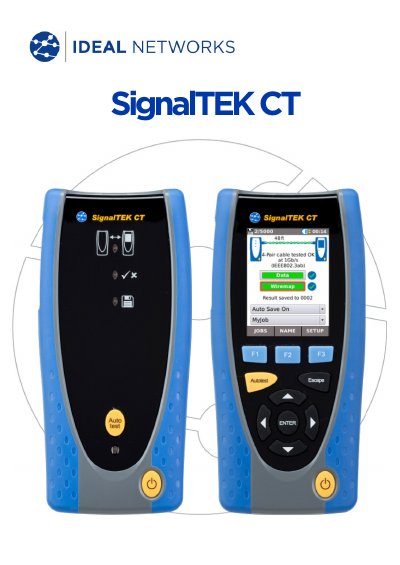

IDEAL INDUSTRIES SignalTEK CT Network Tester Quick User Guide - cover page
Brand
IDEAL INDUSTRIES
Category
Network Tools
Document type
Quick Start Guide
Language
Spanish
Pages
10
File format
PDF
File size
1.6 MB
Published
17 November, 2026
Updated
17 November, 2026
MD5 checksum
2944E8EFF86145DA90C928CB48F7D6B0

About this manual

This quick user guide introduces the IDEAL INDUSTRIES SignalTEK CT and its controls, including the touch screen, buttons, LEDs, and connectors.

It also covers job and test configuration, cable testing, viewing test results, saving and downloading test reports, and the menu map. This manual is written in Spanish.

What's inside

  • Job configuration
  • Test configuration
  • Cable testing
  • Viewing test results
  • Test reports
  • Menu map

Specifications

Memory capacity5000 tests

Frequently asked questions

How many test results can the device store?

The device memory capacity is 5000 tests.

How can test reports be downloaded to a smartphone?

Download reports to a smartphone using the IDEAL AnyWARE app for Android or Apple.

What does the test/error LED indicate?

Green indicates the test passed and red indicates the test failed.

Download PDF (1.6 MB)

More IDEAL INDUSTRIES Manuals


View all IDEAL INDUSTRIES manuals →