
Ideal Industries NT Quick Reference Guide

This quick reference guide provides detailed information on how to use SignalTEK NT. The guide covers how to connect devices, run tests, and view and save results.
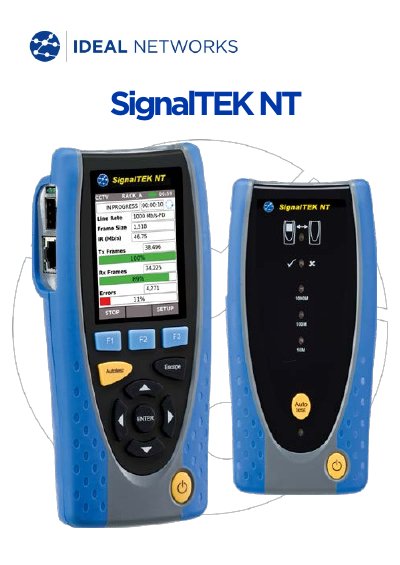

Ideal Industries NT Quick Reference Guide - cover page
Brand
IDEAL INDUSTRIES
Category
Network Analyzers
Document type
Quick Start Guide
Language
English
Pages
10
File format
PDF
File size
943 KB
Published
27 October, 2023
Updated
27 October, 2023
MD5 checksum
F1D6144AC44B8059F790C416CBC97077

About this manual

This guide explains how to use the SignalTEK NT network tester for cable, IP, and performance testing. It includes navigation, test modes, and saving results to USB or smartphone via IDEAL AnyWARE™ app.

The device features RJ45 and optical ports, an LCD display, and buttons for autotest, power, and function controls. Test results can be saved locally or downloaded to smartphones using the IDEAL AnyWARE™ app for Android or Apple devices.

What's inside

  • RJ45 Port
  • Optical Port
  • USB Port
  • LCD Display
  • Function Keys
  • Cable Testing
  • IP Testing
  • Performance Testing
  • Save and View Test Results
  • Navigation

Frequently asked questions

What does the Charger LED indicate when the power module is charged?

The Charger LED is green when the power module is charged.

How many tests can the SignalTEK NT save to memory?

The SignalTEK NT can save up to 5000 tests to memory.

What is the IP address shown in the IPv4 section on page 7?

The IPv4 address shown is 172.20.20.57.

What app can be used to download test reports from the SignalTEK NT?

The IDEAL AnyWARETM app for AndroidTM / Apple can be used.

Download PDF (943 KB)

More IDEAL INDUSTRIES Manuals


View all IDEAL INDUSTRIES manuals →