
Quick start guide for the Hunter BTT Bluetooth faucet timer, covering app setup, timer programming, cycle modes, manual irrigation, and troubleshooting.
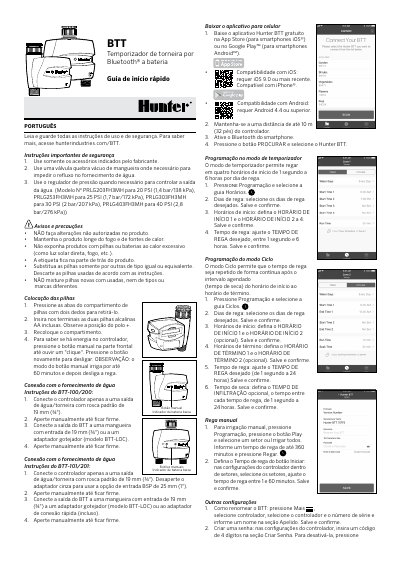
This document is the Quick Start Guide for the Hunter BTT Bluetooth faucet timer. It provides instructions for downloading the Hunter BTT mobile application for iOS and Android devices and establishing a Bluetooth connection within a 10-meter range. The guide details how to configure timer and cycle modes for automated irrigation, including setting start times, run durations, and dry intervals. This manual is written in Portuguese.
| Water Pressure Requirement | 7 to 116 PSI (0.5 to 8 bar) |
|---|---|
| Water Temperature Max | 38 °C (100 °F) |
| Operating Temperature | 5 °C to 60 °C (41 °F to 140 °F) |
| Battery Type | Two AA alkaline batteries |
| Bluetooth Frequency | 2.400 MHz to 2.480 MHz |
| IP Rating | IPX6 |
The controller must be kept within a distance of up to 10 meters (32 feet) from the smartphone.
The manual button mode irrigates for up to 60 minutes and then automatically turns off.
Ensure the smartphone is within 10 meters, check battery strength, reinstall the app, and accept location permissions.