
The HiVi MATRIX08/MATRIX16 digital audio matrix processor manual provides safety instructions, hardware overview, software installation, and detailed…
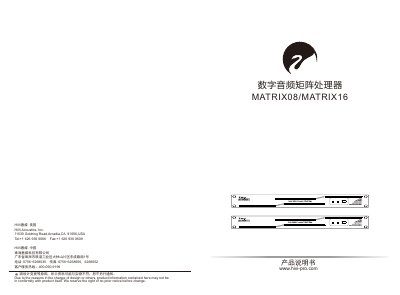
This manual covers safety precautions, hardware description, and the front and rear panel connections of the HiVi MATRIX08/MATRIX16 digital audio matrix processor. It explains the power requirements, supported input/output formats, and the various audio processing functions such as feedback suppression, automatic mixing, noise reduction, and equalization.
The document also guides users through software installation, module parameter settings, and network control options (UDP, RS232, RS485). Detailed specifications, troubleshooting tips, and environmental compliance information are included to help installers and operators configure the system for conference rooms, auditoriums, and other venues. This manual is written in Chinese.
| Power Supply | AC110~240V 5Hz‑60Hz, <40 W |
|---|---|
| Processor | ADI SHARC21489 (x2), 48 kHz/24‑bit |
| Dimensions | 482 mm × 260 mm × 45 mm |
| Frequency Response | 20 Hz – 20 kHz |
| Dynamic Range | 80 dB – 108 dB |
Download the software from the HiVi website, double‑click the installer and follow the on‑screen prompts; then launch the program from the desktop icon or Start menu.
The auto‑mixer supports up to 32 audio input channels.
The unit consumes less than 40 W when powered from AC 110‑240 V.
Connect the RS‑232 port, open a terminal at 115200 bps, hold the Enter key, and the device will reboot into the bootloader to reset to factory defaults.