
The HiVi IP-9801S network broadcast terminal user manual provides product features, technical specifications, installation, configuration, operation, and…
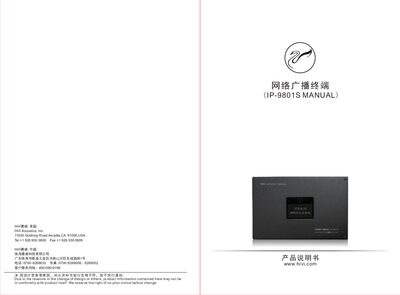
The IP-9801S is a network broadcast terminal designed for public address applications in hotels, factories, schools, airports and other venues. It supports audio playback, remote control, local microphone input and network streaming with high‑quality sound.
This manual covers the terminal's features, technical parameters, installation precautions, step‑by‑step configuration, usage instructions, playback control, remote‑control operation, and common fault troubleshooting. This manual is written in Chinese.
| Network Protocol | ARP/IP/UDP/TCP/ICMP/IGMP, supports multicast |
|---|---|
| Audio Bitrate | 8 kbps‑320 kbps adaptive |
| Frequency Response | 40 Hz‑18 kHz -3 dB |
| Output Power | 12 W × 2 (THD=1 %) RMS |
| Local Audio Input Interface | 1 MIC, 1 Line‑in |
| Backup Input Voltage | 100 V |
| Dimensions | 280 mm × 180 mm × 69 mm |
Connect the terminal’s configuration port to a PC with the HiVi IP network broadcast software, open the terminal configuration dialog, enter the desired IP address, and click “Write”.
Verify the speaker connections, network cable, power supply, network connectivity, and that the terminal’s IP address matches the server configuration; swapping with a known‑good terminal can help isolate the fault.