
User guide for Hitron CVE-30360 cable modem with GUI configuration instructions, default login, and network settings.
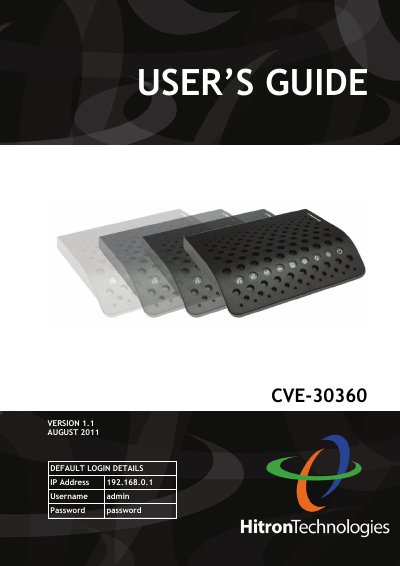
This manual provides step-by-step instructions for configuring the Hitron CVE-30360 cable modem via its Graphical User Interface (GUI). It covers login details, network setup, firewall settings, wireless configurations, and troubleshooting. The guide includes sections on IP address management, LAN and WAN settings, parental controls, and wireless security options.
The manual is structured with an introduction, table of contents, and detailed chapters for each feature. It also includes document conventions, index, and customer support information for technical assistance.
192.168.0.1.
The default username is admin and the default password is password.
It is a voice-enabled cable modem.
802.11b/g/n.