
The hitron NOVA1214 GPON ONU with Wi-Fi 6 and Voice HGU connects to a fiber port and can be connected to a computer using an Ethernet cable or wirelessly.
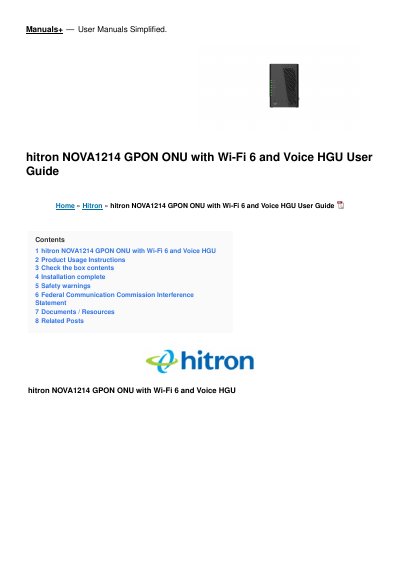
This user guide explains how to set up the Hitron NOVA-1214 GPON ONU with Wi-Fi 6 and Voice HGU (model number 6NOVA1214.01G). It opens with the box contents, then walks through the connections in order: the fiber cable from the cable outlet to the GPON port, the power adapter to the POWER port, a telephone to the TELEPHONE port, and a computer to one of the LAN ports with the supplied Cat6.a Ethernet cable.
The guide then covers joining the wireless network using the printed SSID and password or by pressing the WPS button, and includes a table explaining each LED (Power, Alarm, GPON, Ethernet, Wi-Fi, Phone and WPS). It closes with safety warnings, a disclaimer, the FCC interference statement and the FCC radiation exposure statement.
| Product name | HITRON NOVA-1214 |
|---|---|
| Model number | 6NOVA1214.01G |
| Default 2.4 GHz SSID | NOVA-1124-2G |
| Default 5 GHz SSID | NOVA-1124-5G |
| Default Wi-Fi password | 12345678 |
| Operating temperature | 0°C ~ 40°C (32°F ~104°F) |
| Minimum RF exposure distance | 20 cm between the radiator and your body |
The box contains the NOVA-1214 device and a Cat6.a Ethernet cable.
The default Wi-Fi password is 12345678, and the default SSIDs are NOVA-1124-2G and NOVA-1124-5G.
A blinking red Alarm LED indicates a loss of signal of the GPON. A steady red LED indicates an abnormal state.
Use the telephone cable to connect the telephone to the TELEPHONE port and wait for a dial tone before using it.