
The Hitron CGNV4 Router Quick Reference Guide provides setup steps, wireless configuration, wired connection instructions, and troubleshooting tips.
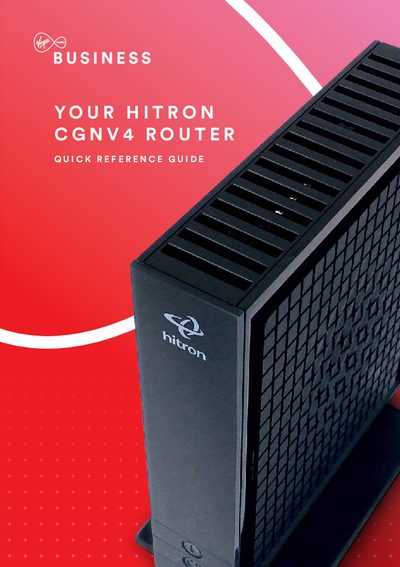
This quick reference guide walks you through the essentials of the Hitron CGNV4 broadband router, covering hardware overview, LED status indicators, and recommended placement for optimal Wi‑Fi performance. It explains the dual‑band (2.4 GHz and 5 GHz) wireless capabilities, Gigabit Ethernet ports, and basic security settings.
Detailed sections show how to connect devices via Wi‑Fi or Ethernet, configure SSIDs and passphrases, enable guest networks, and reset the router to factory defaults. The guide also includes an IP‑addressing overview and troubleshooting steps for common connectivity issues.