
This guide provides instructions for configuring the Hitron CVE-30360 cable modem features via its Graphical User Interface (GUI).
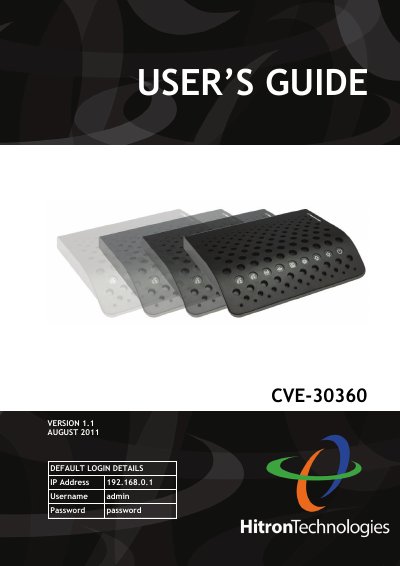
This User's Guide is intended for users who want to configure the features of the Hitron CVE-30360 device via its Graphical User Interface (GUI). It covers essential topics such as hardware connections, LED status indicators, IP address setup, and logging into the device. The manual also explains how to reset the device and provides an overview of the GUI screens.
The guide details specific configuration options available in the GUI, including settings for Cable, LAN, Firewall, Parental Control, Wireless, and EMTA (Embedded Multi-Tenant Access) features. It includes step-by-step procedures for tasks like setting up IP addresses, configuring wireless security, managing port forwarding, and blocking websites.
| Default IP Address | 192.168.0.1 |
|---|---|
| Default Username | admin |
| Default Password | password |
| Document Version | 1.1 |
| Release Date | August 2011 |
The default IP address is 192.168.0.1.
The default username is 'admin' and the password is 'password'.
You can access the GUI by logging into the device using the default IP address, username, and password.