
HiTi V_0.1 Photo Printer User Manual

This manual provides safety guidelines, installation instructions for the HiTi V_0.1 photo printer, operation steps, cleaning procedures, and…
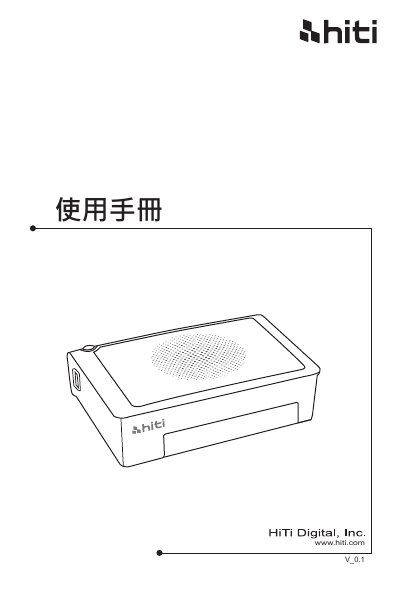

HiTi V_0.1 Photo Printer User Manual - cover page
Brand
HiTi
Document type
User Manual
Language
Chinese
Pages
19
File format
PDF
File size
1.3 MB
Published
30 October, 2026
Updated
30 October, 2026
MD5 checksum
14909740F7DA4A38995B35B37C83C6DA

About this manual

The HiTi V_0.1 is a compact photo printer designed for printing 4x6" photos with a resolution of 300x300 dpi. This user manual covers essential safety precautions, including proper environmental settings and handling of consumables like ribbons and paper to ensure optimal performance. This manual is written in Chinese.

What's inside

  • Safety Precautions
  • Installation and Setup
  • Printing Operations
  • Cleaning Procedures
  • LED Indicator Status
  • Technical Specifications

Frequently asked questions

What is the recommended storage temperature for photo paper?

Store in a dark place with temperatures below 30°C and humidity below 60% RH.

How do I reset the printer to wireless mode if it is stuck?

Long press the power switch for 6 seconds until the blue light flashes, then press once again.

What does a flashing green light indicate?

A fast flashing green light indicates the printer is waiting or preparing.

Download PDF (1.3 MB)

More HiTi Manuals


View all HiTi manuals →