
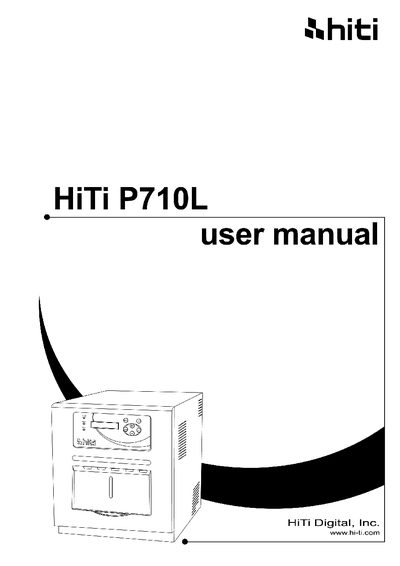
This manual begins with important safety instructions, covering environmental precautions, handling guidelines, and warnings about high‑temperature components. It then details unpacking, part identification, power and USB connections, and how to install the dust box and load consumables.
Subsequent chapters describe the operation panel, routine maintenance tasks such as cleaning the thermal head and filter, error message handling (including power interruptions and ribbon breaks), and after‑sales service contact information.
| Weight (without paper and ribbon) | 20 kg (45 lb) |
|---|
The printer alone weighs around 20 kg (45 lb).
Turn off the printer, wait at least three seconds, then turn the power back on and follow the paper‑jam instructions.
Remove the ribbon cassette, tape the broken part, and rewind the ribbon tightly.