
This document is the user manual for HiTi BS-G400, which introduces the installation, printing functions, and troubleshooting of the product.
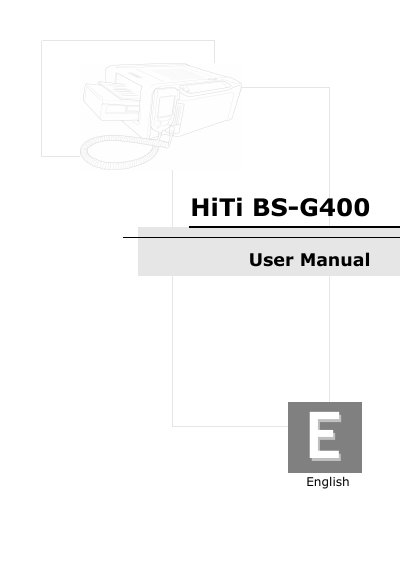
This manual guides you through checking the package contents, installing the LCD controller, ribbon cartridge, and paper cassette, and powering up the BS‑G400. It explains both standalone printing using memory cards and PC‑link printing via USB, including driver installation and software setup.
The specification section lists print method, resolution, display, supported media sizes, power requirements, and environmental limits. Customer service information and links to the latest drivers and applications are also provided.
| Print Method | Dye Diffusion Thermal Transfer (D2T2) |
|---|---|
| Resolution | 403 x 403 dpi |
| Display | 2.5 inch TFT Color LCD |
| Print Size | 4 x 6 inch (100 x 152 mm) |
| Paper Cassette Capacity | 100 sheets |
| Power Supply | 100 ~ 240V, 50/60Hz |
| Dimensions (W x H x D) | 10.6 x 6.1 x 14.3 inch |
| Operating Temperature | 15°C ~ 32°C |