
HiTi P110S is a portable printer product with high-quality photo printing function. It supports various print formats and paper sizes, and has an intuitive operating interface and LED indicators. The product is also equipped with various features and software, such as ID Quick Desiree and eFrame Converter.
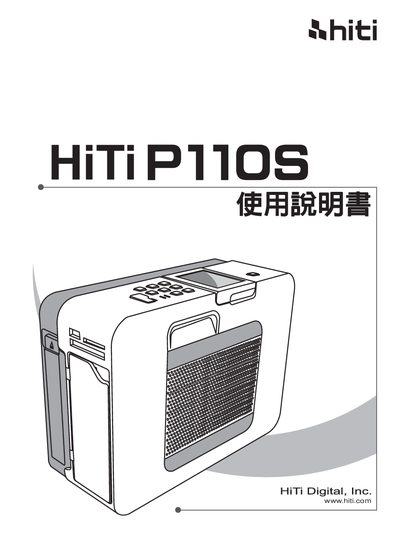
This manual covers everything needed to get started with the HiTi P110S portable photo printer, including a list of packaging contents, an overview of the device, and detailed installation steps. It also explains how to operate the printer, connect accessories, and replace the battery.
Additional sections provide troubleshooting guidance, a specifications table, and contact information for regional support centers worldwide. This manual is written in Japanese.
Open the printer, insert the dedicated paper cassette, load the 4x6" photo paper, close the paper door, and power on the device as described in the installation section.