
This is a user manual for HiTi P720L printer, which introduces the installation, use and maintenance of the printer.
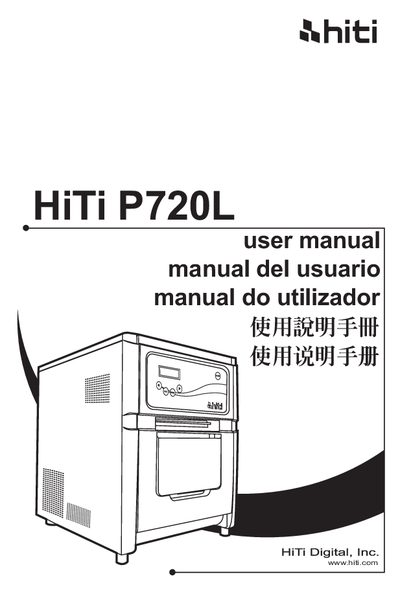
This manual begins with important safety instructions, covering handling warnings, weight considerations, grounding requirements, and environmental precautions to protect users and the printer.
It then guides users through unpacking, connecting power and USB cables, loading ink ribbons and paper, operating the control panel, routine maintenance, error handling, and after‑sales service details.
| Weight | 27 kg |
|---|---|
| Storage temperature | < 30°C |
| Storage humidity | < 60% |
The printer alone weighs around 27 kg.
Keep children away from the printer and cables, avoid humid or dusty locations, and always ground the unit during operation.
Connect the power cord to the back of the P720L and ensure the printer is turned off before inserting the cord.