
Installation guide for HighPoint RocketAIC 7749EW 8x E1.S to PCIe 4.0 x16 NVMe Drive with system requirements and hardware steps.
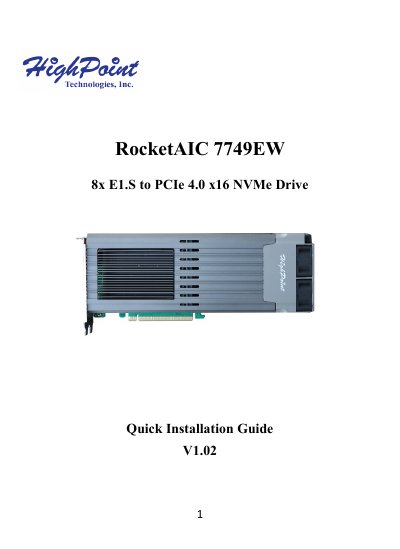
This guide provides step-by-step instructions for installing the RocketAIC 7749EW into a compatible motherboard. It includes system requirements for Windows and Linux operating systems, as well as hardware installation steps. The guide also warns about potential data loss if the external power supply is not connected properly and advises contacting customer support for damaged parts.
Resources and support are available via the HighPoint website and helpjuice.com for troubleshooting and software downloads. This manual is written in Chinese.
A free physical PCIe 4.0 (3.0 or 5.0) x16 slot.
RHEL/Debian/Ubuntu/Fedora/Proxmox/Rocky Linux (Linux kernel 3.10 and later).
Connect a 6 pin PCIe power connection and power up the external power supply.
The SSDs may drop offline or remain undetected, which could lead to data loss.