
This document introduces the Grandstream GXP2124 SIP Enterprise Phone, including installation, connection, configuration, use, etc
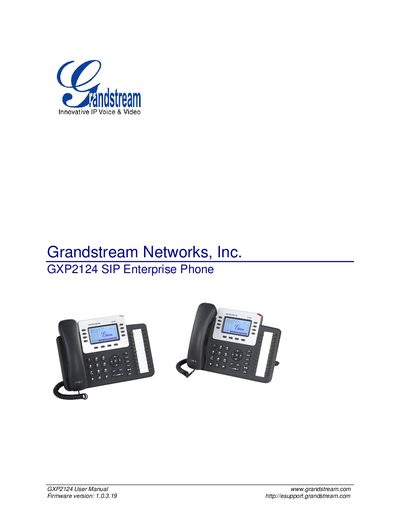
The GXP2124 is a multi‑line SIP enterprise phone with a 240×120 backlit graphical LCD, up to four SIP accounts, and 24+4 programmable speed‑dial/BLF keys. It includes dual 10/100 Mbps Ethernet ports with PoE, a headset jack with Electronic Hook‑Switch, and a range of advanced telephony features such as HD audio, 5‑way conference, and XML‑based customization.
The manual covers hardware overview, installation steps, safety and warranty information, detailed hardware and technical specifications, and configuration procedures via keypad, web interface, TFTP/HTTP provisioning, and firmware upgrades. It also explains how to restore factory defaults and manage firmware updates.
| Graphic LCD Display | 240 × 120 pixel backlit LCD, 8‑level grayscale |
|---|---|
| Power Input | 100‑240 VAC, 50‑60 Hz |
| Power Output | 5 V DC, 800 mA, UL certified |
| Dimensions | 222 mm W × 210 mm L × 93.8 mm H |
The GXP2124 supports up to four SIP accounts.
The phone provides 24 + 4 programmable speed‑dial/BLF keys.