
User manual for a universal GPS vehicle communication terminal supporting GSM/GPRS, SMS tracking, vibration alarms, and remote control.
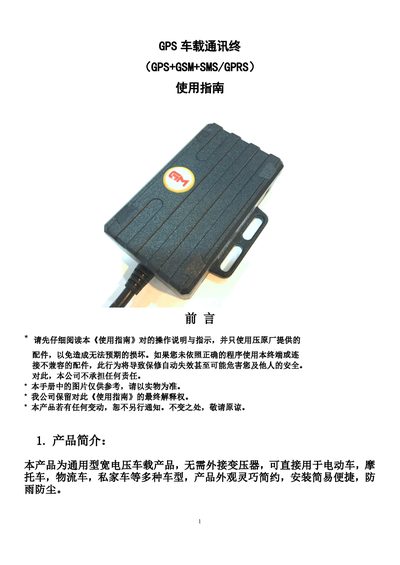
This manual provides operating instructions for a universal wide-voltage GPS vehicle communication terminal. The device supports global GSM networks (850/900/1800/1900 MHz) and features continuous GPS positioning with GPRS reporting. It includes built-in vibration sensors for anti-theft, ACC ignition detection, and remote control capabilities for fuel and electricity cut-off via relays. This manual is written in Chinese.
| Working Voltage | 10-75V DC |
|---|---|
| GPS Module | UBLOX |
| GPS Accuracy | 10m |
| Cold Start Time | 35-80s |
| Dimensions | 70mm x 40mm x 20mm |
| Internal Battery | 3.7V 370mAh |
The default terminal password is 123456.
Send an SMS with the format 'pw,123456,zx' followed by the SIM card number to the terminal.
Send the command 'vib2,3' to enable vibration alarm with a 3-second trigger time.
Send the command 'format' to the terminal to restore factory settings.