
This document is an introduction to the Easy Showily product, including features, safety notes, user guide, operation notes, application of TimeMachineX, and troubleshooting. Easy Showily is an auto-show track logger with an internal antenna. The core component, u-blox ATR0625, is a high-tech component that includes the function of auto-log record of journey. The device has 16 GPS channels and a USB interface for easy linking with a computer. GPS acquisition status, the last record of time and position can be stored in non-volatile memory.
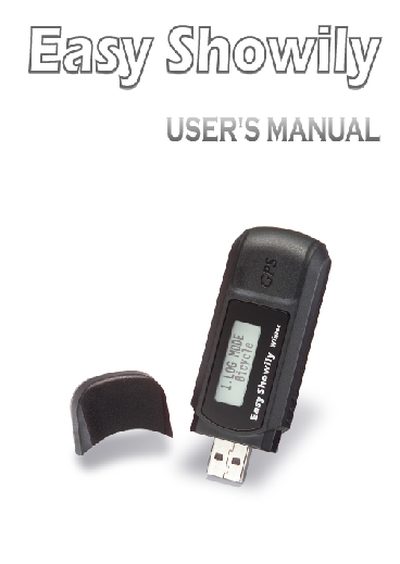
Easy Showily is an auto‑show track logger equipped with an internal u‑blox GPS module, a USB interface and powered by two AAA alkaline batteries. It records position, speed and time data and can store up to 16 GPS channels with a sensitivity of -158 dBm.
The manual is organized into sections covering product introduction, features, safety notes, user guide, operation notes, access tools, application examples and troubleshooting, offering step‑by‑step instructions for powering the device, creating tracks, viewing data and downloading logs.
| GPS channels | 16 |
|---|---|
| Maximum channels | 16 |
| Tracking sensitivity | -158 dBm |
| Power source | 2 AAA alkaline batteries |
| USB interface | No driver required |
| System requirement | Windows XP or Vista |
| GPS IC | u‑blox ATRO625 |
Press and hold the Power button until the LCD shows the main screen and GPS acquisition starts.
Connect the device via USB and use the provided Win_Tool software to download the log data without installing additional drivers.