
This manual describes the installation, use, and troubleshooting information for the USB GPS Receiver BU-303 (SiRF II) BU-353(SiRF III) BU-333N (SiRF III)
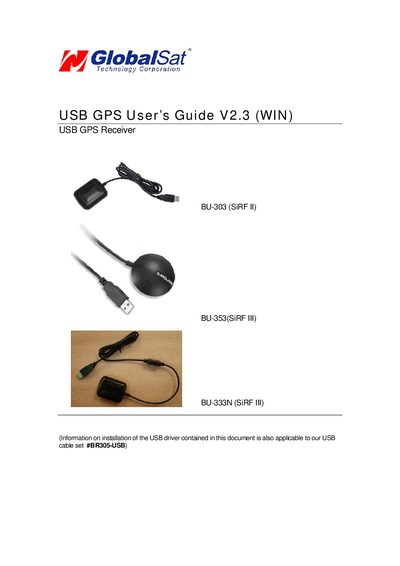
This manual explains how to install the GlobalSat USB GPS driver on Windows or Mac, verify the COM port assignment, and configure mapping software for real‑time navigation. It also includes safety notices, warranty information, and a FAQ section.
Step‑by‑step instructions cover driver installation from the CD or download site, COM port verification via Device Manager, and testing with the included GPSInfo utility. Detailed specifications for the BU-303, BU-353, and BU-333N receivers are provided at the end of the document.
| Frequency (L1) | 1575.42 MHz |
|---|---|
| Voltage (BU-303) | 5 V ±5% |
| Current (BU-303) | 90 mA typical |
| Dimensions (BU-303) | 2.32" x 1.65" x 0.82" |
| Voltage (BU-353) | 4.5–5.5 V DC |
| Current (BU-353) | 80 mA typical |
| Dimensions (BU-353) | 2.08" diameter x 0.75" |
Insert the CD, run the auto‑run screen or launch PL‑2303 Driver Installer.exe (or the Vista version) from the \WINUSB Driver folder and follow the prompts.
Baud Rate 4800, Data Bits 8, Parity None, Stop Bit 1, Flow Control None.