
The GIGABYTE GB-BLCE Ultra Compact PC Kit User Manual provides setup, safety, and operation instructions for the compact PC kit.
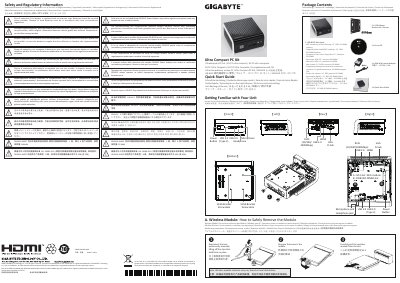
The GB-BLCE Ultra Compact PC Kit includes a 40 W wall‑mount power adapter, VESA mounting bracket, DDR4 SO‑DIMM slot, M.2 Wi‑Fi module slot, and a range of ports (VGA, HDMI, RJ45, USB‑A/B, USB‑C, audio jacks). The package contents are listed in multiple languages and note that the kit does not include a 2.5" HDD or memory modules.
The manual guides users through safety and regulatory information, memory and SSD installation, wireless module removal, VESA‑mount installation, and the USB Power‑On feature. It also covers BIOS entry, USB‑S5 wake‑up configuration, and disposal/recycling requirements.
| Power Adapter | 40 W, DC 19 V, 2.1 A |
|---|---|
| Memory Type | DDR4 Low Voltage SO‑DIMM |
| Wi‑Fi Module Slot | M.2 slot |
| Video & Connectivity Ports | VGA D‑Sub, HDMI, RJ45 (10/100/1000 Mbps), USB 3.0 Type‑A/B, USB‑C, headphone & microphone jacks |
| Mounting Option | VESA‑compatible bracket |
Use the included 40 W wall‑mount adapter that provides DC 19 V at 2.1 A.
Enable the USB Power On function and use a connected USB device (keyboard or mouse) after applying the Windows‑10 USB Power‑On patch.
Remove the bottom panel, attach the HDD with the supplied screws, connect the SATA cable, and reinstall the panel.