
This manual provides installation, configuration, specifications, and troubleshooting for the Gigabyte GN‑WPEAG Super G PCI wireless card.
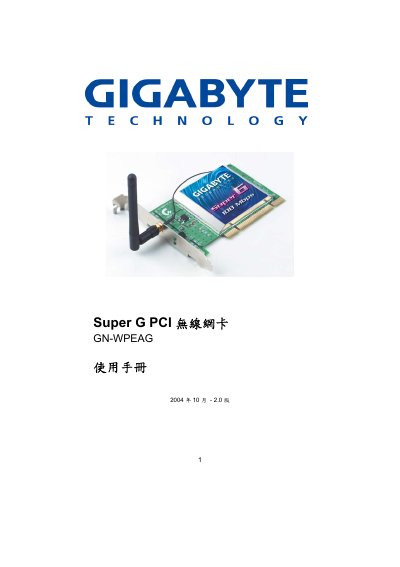
The Gigabyte GN‑WPEAG Super G PCI Wireless Card is a PCI‑slot network adapter that supports 802.11b/g and Gigabyte's Super G technology for high‑speed wireless connectivity. It includes built‑in security features such as WEP, WPA, and 802.1X authentication.
The document covers product introduction, system requirements, hardware installation, driver and utility setup, configuration options, LED indicators, detailed specifications, regulatory compliance, warranty information, and appendices with FAQs, security guidance, troubleshooting, and a glossary. This manual is written in Chinese.
| Interface | PCI |
|---|---|
| Operating Voltage | 5 V |
| Frequency Band | 2412‑2484 MHz |
| Maximum Data Rate (Basic Mode) | 54 Mbps |
| Maximum Data Rate (Turbo Mode) | 108 Mbps |
| Antenna Gain | 2 dBi external antenna |
| Maximum Output Power | 19 dBm |
| Dimensions | 133 mm × 120 mm × 22 mm |
| Supported Operating Systems | Windows 98SE/Me/2000/XP |
| Security Features | WPA, AES, 802.1X, 64/128/152‑bit WEP |
The driver supports Windows 98SE, Windows Me, Windows 2000, and Windows XP.
In Super G mode the card can achieve up to 108 Mbps.