
Fortinet FortiFone FON-380B phone quick start guide covering support registration, box contents, installation, setup, and phone use.
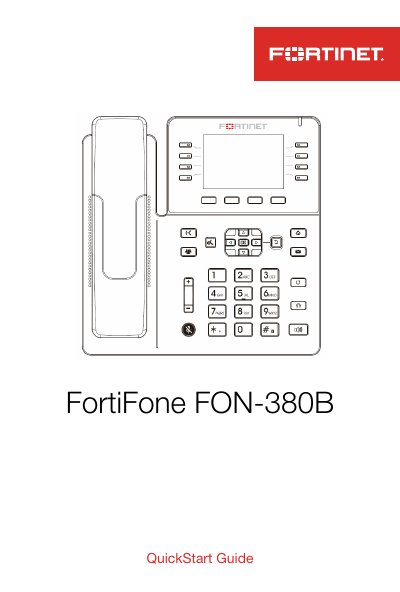
The FortiFone FON-380B Quick Start Guide explains how to register the Fortinet product for support, check the box contents, attach the stand, connect the phone, and set it up for use as an internal, external, or cloud extension. It also gives a brief overview of softkeys and phone buttons, followed by a Troubleshooting section in the contents, cautions and warnings, and regulatory notices.
The phone can connect to the network through its WAN port and supports PoE; if PoE is not available, a DC 5V 2A power adapter can be connected. The guide notes that configuration can be downloaded automatically from FortiVoice for internal extension use, while external and cloud extension setups require manual provisioning steps.
| Power over Ethernet input | DC 48V 0.3A |
|---|---|
| Optional power adapter | DC 5V 2A |
| Mounting height | Less than 2 meters |
| Network environment | Network Environment 0 per IECTR 62101 |
Connect the WAN port to the network using the provided Ethernet cable. You can optionally connect a desktop PC to the PC port with a separate Ethernet cable.
If the network supports PoE, no power adapter is required. If PoE is not supported, connect a DC 5V 2A power adapter to the power jack.
Press Menu, select Settings > Provisioning, enter the password as 23646, select Static Provisioning Server, set the Server to the FortiVoice public IP address, and press OK.
Press Menu, select Cloud, enter the Cloud ID and press OK, enter the User ID and press OK, then enter the PIN and select Submit.