
FortiExtender 212F Quick Start Guide
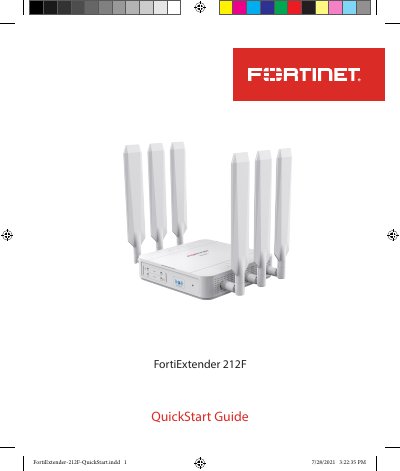
The Fortinet FortiExtender 212F is a wireless Internet WAN connection device designed for network environments. It features one 1-Gb/100-Mb WAN connection and four 1-Gb/100-Mb LAN connections. The device utilizes two EM7565 CAT12 LTE modules to support high-speed downlink and uplink speeds in North America, Europe, and APEC regions. This manual is written in Chinese.
| WAN Connection | 1-Gb/100-Mb |
|---|---|
| LAN Connections | four 1-Gb/100-Mb |
| LTE Modules | 2 x EM7565 CAT12 |
| Downlink Speed | 600 Mbps |
| Uplink Speed | 150 Mbps |
| SIM Card Type | MicroSIM (3FF) |
| Console Port Baud Rate | 115200 |
| Power Input | 12VDC/2A |
The ambient operating temperature is 0°C to 40°C.
Press and hold the Reset/Default button for more than 5 seconds.
It indicates that a 1-Gb network is connected.