
This document is a QuickStart Guide for Fortinet Incorporated, which introduces the usage and configuration modes of FortiGate-200B. This includes an overview and configuration steps for NAT/Route mode and Transparent mode.
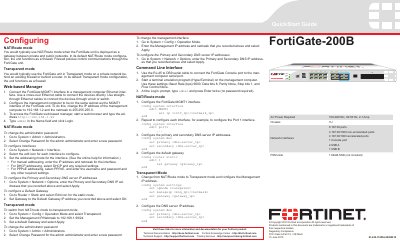
This QuickStart Guide covers the initial setup and basic configuration of the FortiGate-200B firewall. It details procedures for setting up the device in both NAT/Route mode and Transparent mode, including Web-based Manager and Command Line Interface (CLI) instructions. The document explains how to configure interfaces, DNS servers, and default gateways.
| AC Power | 100-240VAC, 60-50 Hz, 2-1 Amp |
|---|---|
| Network Interfaces | 8 10/100 ports |
| Non-accelerated ports | 4 10/100/1000 non-accelerated ports |
| Accelerated ports | 4 10/100/1000 accelerated ports |
| Console port | 1 |
| USB A | 1 |
| USB B | 1 |
| FSM slots | 1 |
The default management IP address is 192.168.1.99.
The username is admin and the password is none (blank).
Type the command execute factoryreset in the CLI.
Use Baud Rate 9600, Data bits 8, Parity None, Stop bits 1, and Flow Control None.