
This manual provides instructions for installing, configuring, and using the FLIR Tools+ software for thermal imaging analysis and reporting.
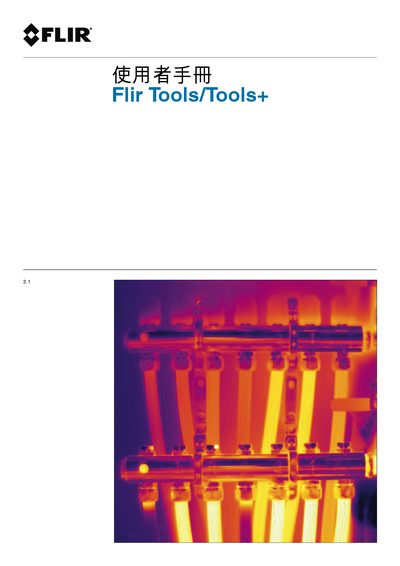
This document is the user manual for FLIR Tools+, a software application designed for thermal imaging analysis. It covers the complete workflow from installation and licensing to connecting with FLIR thermal cameras. The guide details how to import images, manage folders, and perform various image analysis tasks such as measuring temperature, using isotherms, and changing color palettes. It also explains how to create panoramic images, image worksheets, and professional reports in PDF or Microsoft Word formats. This manual is written in Chinese.
The software requires Windows XP, Windows Vista, or Windows 7.