
ThermaCAM 525 is an infrared thermal imager that has automatic adjustment, temperature measurement, and heat map storage functions.
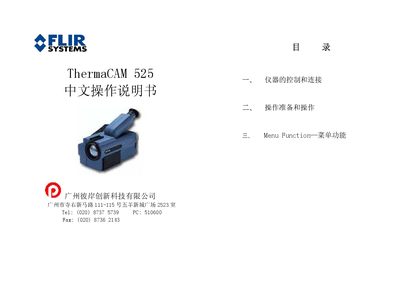
This manual describes how to control and connect the ThermaCAM 525 infrared camera, including the use of direct control keys, the joystick, and the power switch. It explains how to attach the PC card, install the battery, and select video or power interfaces.
The document also details the menu functions such as image capture, temperature measurement, storage, and various setup options (colour scale, data fields, temperature units, language, date & time). Instructions for adjusting focus, auto‑adjust, and deleting stored images are included. This manual is written in Chinese.
| Lens field of view | 24° |
|---|---|
| Number of interfaces | 3 |
| Video output interface | Video |
| Power input | 12 V |
| Temperature units selectable | Celsius or Fahrenheit |
Press the green ON/OFF key to power on; to power off, hold the same key for about one second.