
FARO ventilation fan remote control instructions cover LCD icons, buttons, FAN AUTO, timers, dimmer code setting, and light delay.
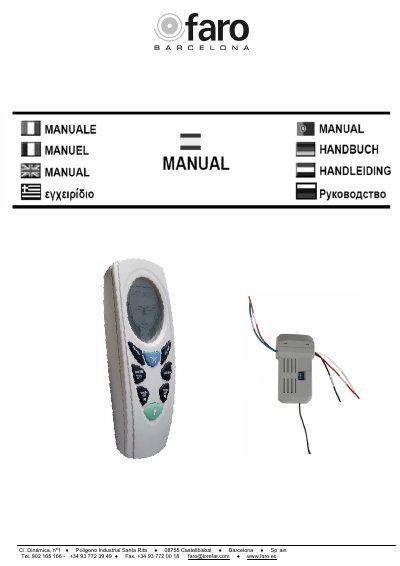
This FARO ventilation fan/light remote control manual explains how to use the remote, including LCD panel icons and buttons for fan speed, light, timers, and FAN AUTO mode. It says to read the manual before using the remote and keep it for future reference.
It describes FAN AUTO operation using the built-in thermal sensor, fan and light timer settings, light delay, temperature unit switching, and transmitter/receiver code settings for dimmer or ON/OFF light functions. This manual is written in Spanish.
| Fan speed settings | HIGH – MEDIUM – LOW – OFF |
|---|---|
| FAN AUTO below set temperature | OFF |
| FAN AUTO at set temperature | LOW |
| FAN AUTO 2 ℃ above set temperature | MED |
| FAN AUTO 4 ℃ above set temperature | HI |
| Celsius/Fahrenheit hold time | 10 seconds |
| Light delay | 3 minutes |
| Programmable transmitter codes | 16 codes |
| Dip switch OFF function | DIMMER, incandescent bulbs only |
| Dip switch ON function | ON/OFF, CFL bulbs |
Press the FAN AUTO button, then use the UP/DOWN buttons to set the preferred temperature. Press FAN AUTO again to turn off the automatic function.
Set the fan timer to 0 (zero hours). The text says the fan timer can be canceled at any time this way.
Press and hold the LIGHT TIMER, °C/°F button for 10 seconds.
The transmitter code should be the same as the receiver. The code is set with switches 1 to 4.