
User manual for diagnosing, repairing, and reinstalling the FARO LS SDK software.
This manual explains how to verify the FARO LS SDK installation, reinstall the software if needed, and manually register required DLL files. It is intended for users who encounter issues with the SDK on Windows systems.
The guide walks through checking the installed version, navigating to the SDK folder via PowerShell, registering the iqopen.dll file, and finally restarting Bloom Cloud Engine to import scan projects. Follow each step to restore full functionality of the FARO LS SDK.
| Version | 7.0.2.5 |
|---|---|
| Operating System | Windows |
| Installation Directory | C:\Windows\WinSxS\amd64_faro.ls_1d23f5635ba800ab_1.1.700.2_none_3592ac13356a05e1 |
| DLL File | iqopen.dll |
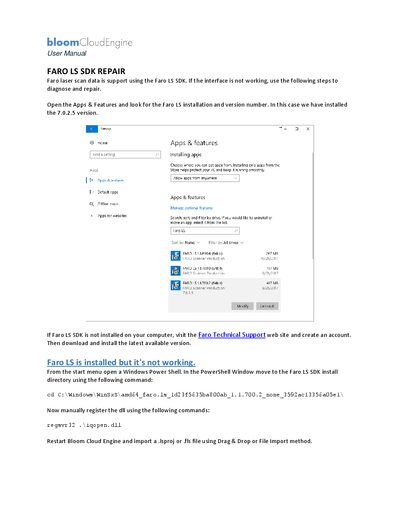
Open Apps & Features, locate the FARO LS installation entry, and view the version number (e.g., 7.0.2.5).
Open a Windows PowerShell, change to the SDK install directory, and run `regsvr32 .\iqopen.dll`.
Restart Bloom Cloud Engine and import a .lsproj or .fls file using Drag & Drop or the File Import method.