
Introduces the features and usage of FARO Laser Scanner
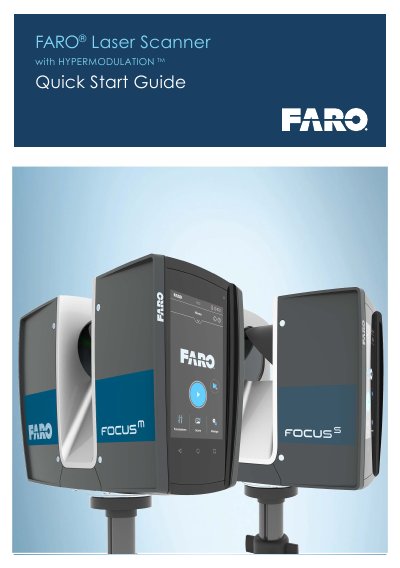
This document serves as a Quick Start Guide for the FARO Laser Scanner, providing essential information for initiating scanning projects. It details the standard equipment included with the scanner, such as the tripod, battery, and SD card, and directs users to download the full operating manual and SCENE software from the FARO download center for comprehensive instructions.
The guide outlines the step-by-step process for setting up the scanner, including mounting it on a tripod, inserting the battery and SD memory card, and powering on the device. It explains how to access the integrated touch screen interface to select scan profiles and adjust parameters like resolution, quality, and color settings before starting a scan.
The SD memory card, a tripod and the scanner battery are the minimum required equipment.
SCENE is specifically designed for all FARO laser scanners.
Scan Duration: expected scan time.