
The FARO SCENE software manual describes features, system requirements, data handling, and sharing tools for 3‑D point‑cloud processing.
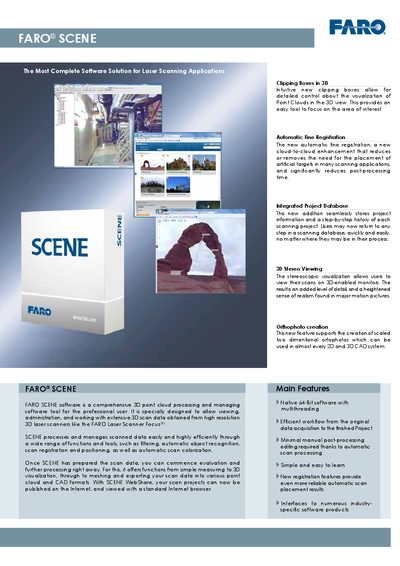
The FARO SCENE software manual provides an overview of the application’s capabilities, including orthophoto creation, clipping boxes, 3‑D stereo viewing, automatic fine registration, and extensive data‑management tools. It explains how to import, process, analyze, and export scan data, as well as how to share projects via WebShare.
System requirements, supported file formats, navigation options, and typical areas of application such as architecture, civil engineering, and forensics are detailed, helping users set up the software and integrate it with other CAD and visualization tools.
| Operating System | Microsoft Windows 7, Vista or XP (Professional, SP2 or higher), 64‑Bit |
|---|---|
| Memory | 8 GB |
| Graphics Card | 512 MB with OpenGL 2.0, NVIDIA Quadro class recommended |
| Hard Disk | Solid‑state drive |
FARO SCENE runs on 64‑bit Microsoft Windows 7, Vista or XP (Professional, SP2 or higher).
It uses Automatic Fine Registration, a cloud‑to‑cloud enhancement that reduces or removes the need for artificial targets and speeds up post‑processing.
Yes, with a suitable graphics card and a 3‑D capable device, the software provides stereoscopic visualization.