
Instructional guide for FARO SCENE v5.4 covering its interface, scan project setup, registration workflows, inspection, clipping boxes, and export.
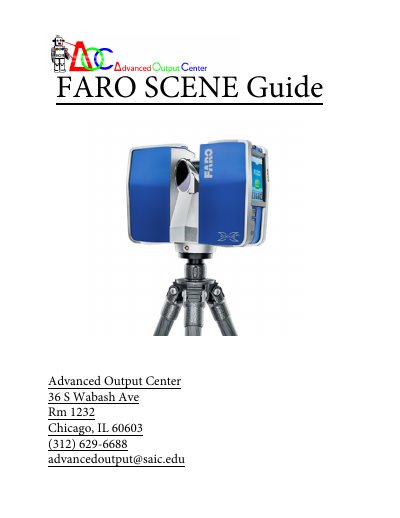
This guide introduces the FARO SCENE v5.4 interface and walks through scan project work. It covers project locations, the Project Selection window, the Structure window, menu bar, toolbars, image area, and status bar, and describes basic SCENE, automatic registration, and manual registration workflows.
Later lessons cover inspecting registration, clipping boxes, preparing for export, applying color information, exporting detail scans, and an appendix with workflow summaries and a glossary. The document refers readers to the FARO SCENE v5.4 User Manual for more information.
| Software version | 5.4 |
|---|
Use Tools > Options, click the Folder tab, and use the browse button next to the Project Locations field.
Double-click the project preview, or click the preview and select from the menu that appears.
At least three common reference objects must be identified.
It contains previews of the highest-level projects created on the scanner.