
This guide covers physical specifications, interface descriptions, wall-mounting installation, and configuration steps for the Fanvil i16V Video Intercom.
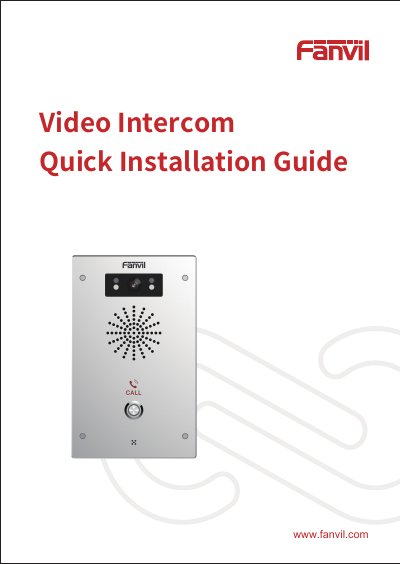
The Fanvil i16V Video Intercom features a compact design measuring 195 x 120 x 34 mm and includes components such as an IR LED, speaker, camera, DSS key, and microphone. The device supports a standard RJ45 Ethernet interface for 10/100M adaptive networking and provides various input and output ports for connecting switches, sensors, electric locks, and alarms.
| Device size | 195 x 120 x 34 (mm) |
|---|---|
| Ethernet interface | standard RJ45 interface, 10/100M adaptive |
| Power input | 12V/1A |
You can use the iDoorPhone Network Scanner tool or press the DSS key to broadcast the IP address.
The default user name and password are both admin.