
Fanvil A10/A10W/A10-E/A10W-E SIP intercom quick installation guide covering package contents, interfaces, mounting, IP address lookup and SIP settings.
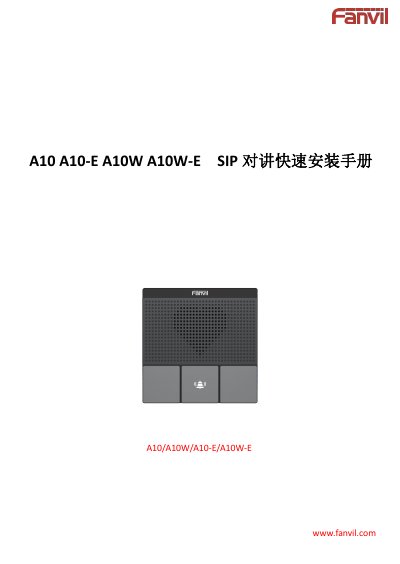
The Fanvil A10/A10W/A10-E/A10W-E quick installation manual describes the package contents and physical specifications of the SIP intercom. It also covers the three keys, the speaker, the reserved function key, and the terminal connections on the back of the device. It gives two mounting options: wall mounting and installation in an 86 box.
The guide then explains how to power and test the device and how to find its IP address with the IP scanning tool or by pressing the call key. It also explains how to switch between dynamic and static IP, and how to configure the device through its web page. This includes Wi-Fi for A10W/A10W-E, the SIP account, call key speed dial, intercom parameters, and security input/output settings. This manual is written in Chinese.
| 设备尺寸(挂墙安装) | 87.56 x 87.56 x 30 mm |
|---|---|
| 设备尺寸(86盒安装) | 87.56 x 87.56 x 21.5 mm |
| 按键 | 3 keys |
| 以太网接口 | Standard RJ45, 10/100M auto-adaptive |
| 电源接口 | 12V/1A input |
| Wi-Fi support | Only A10W/A10W-E |
Use the IP scanning tool and click refresh to search for the device IP. Alternatively, after about 30 seconds of startup, long-press the call key for 3 seconds, release it when the speaker gives a prompt, and quickly press the call key again within 5 seconds; the device announces its IP address.
The default username is admin and the default password is admin.
Wi-Fi settings are supported only on the A10W and A10W-E models.
After startup, long-press the call key for 3 seconds, release it when prompted, and quickly press the call key three times within 5 seconds. If there is no IP, the device switches to the default static IP 192.168.1.128.