
User guide for the Extech SDL500 Hygro-Thermometer Datalogger, covering setup, measurements, data logging, and SD card operations.
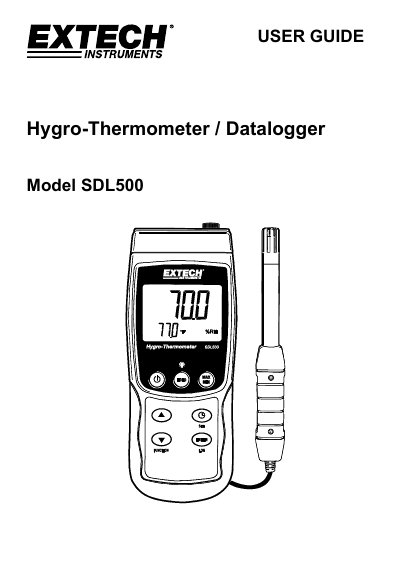
The Extech SDL500 is a Hygro-Thermometer and Datalogger from the SD Logger Series that displays and stores temperature and relative humidity readings from a supplied probe, as well as temperature readings from an optional Type J or K thermocouple probe. It can also display Wet Bulb and Dew Point temperature calculations, and logged data is stored on an SD card for transfer to a PC.
This user guide covers the meter's description, power supply, probe connections, setup mode configuration (clock, sampling rate, auto power-off, beeper, numerical format, SD card formatting, temperature units, and thermocouple type), measurement procedures for relative humidity, temperature, and dew point, and data logging functions.
| Power supply | Six 1.5VDC AA batteries or optional AC adaptor |
|---|---|
| Thermocouple temperature range | Up to 1300°C (2372°F) |
| Datalogger sampling rate | 1 to 3600 seconds |
| Auto power-off | 10 minutes of inactivity |
| Data storage | SD card |
The SDL500 accepts optional Type J or Type K thermocouple temperature sensors.
With the auto power-off feature enabled, the meter switches off after 10 minutes of inactivity.
Logged data readings are stored on an SD card for transfer to a PC.
The meter is powered by six 1.5VDC AA batteries or by an optional AC adaptor.