
This user manual provides instructions for operating the Extech AN100 thermo-anemometer to measure air velocity, airflow volume (flow), and temperature.
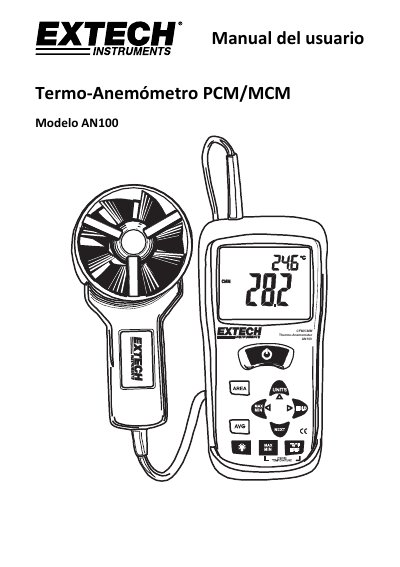
The Extech AN100 is a handheld instrument designed to measure air speed, airflow volume (CFM/CMM), and air temperature. It features a large backlit LCD with primary and secondary indicators for easy reading in various lighting conditions.
The manual details the device's operation modes, including standard measurements, weighted averages (20-point average), and data retention functions like MAX/MIN/AVG. Users can also store frequently used duct areas in memory to quickly calculate airflow volume. This manual is written in Spanish.
| Measurements | Air velocity, Airflow volume (CFM/CMM), Air temperature |
|---|---|
| Average readings | Up to 20 readings |
| Memory locations | 16 places (8 for PCM and 8 for MCM) |
| Auto power off time | 20 minutes |
Press and hold the AVG button until you hear two beeps to enter the 20-point weighting mode.
Press and hold the AREA button until you hear two beeps to enter edit mode, input the dimensions, then press and hold AREA again to save.
The device requires a 9V battery for operation.