
The Extech 45160 User's Guide explains how to operate the 3-in-1 Humidity, Temperature and Airflow Meter and lists its specifications.
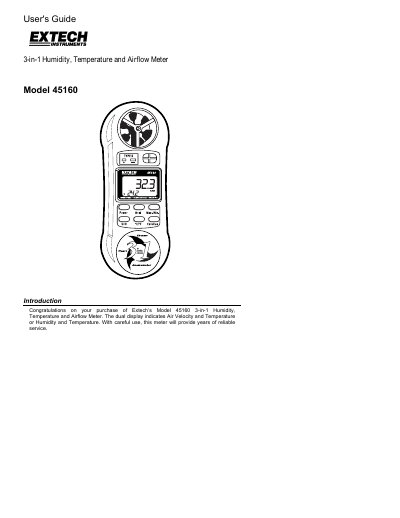
The Extech 45160 is a 3-in-1 Humidity, Temperature and Airflow Meter with a dual display that indicates Air Velocity and Temperature or Humidity and Temperature. It measures airflow in MPH, km/h, knots, m/s, or ft/min, relative humidity, and temperature using a thermistor or thermocouple.
This User's Guide explains how to turn the meter on and off, select functions and units of measure, and use Min/Max recording and Data Hold. It also includes specifications, warranty terms, and calibration and repair service information.
| Air Velocity Range (MPH) | 0.9 to 67.0 MPH |
|---|---|
| Air Velocity Range (km/h) | 1.4 to 108.0 km/h |
| Temperature Range (Thermistor) | 32 to 122°F (-0 to 50°C) |
| Relative Humidity Range | 10.0 to 95.0% |
| Display Type | Dual Display LCD |
| Power Supply | 9 Volt Battery |
| Instrument Dimensions | 6.14 x 2.36 x 1.29 inches |
Press the power button to turn power on. The meter performs a short self-test.
Press the HOLD button to freeze the reading in the display. Press it again to return to normal operation.
The meter turns off automatically after 10 minutes if no keys are pressed.
Extech warrants the instrument for one year from date of shipment.