
Evolis Card Printer user manual, including product warranty information, operating instructions, installation instructions, etc.
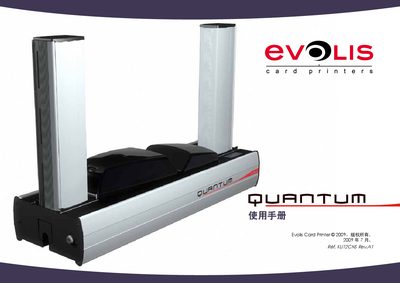
This manual provides step‑by‑step instructions for installing and operating Evolis card printers. It includes safety notices, warranty information, and details on the supplied accessories and consumables.
The document also lists technical data such as power supply options, USB cable length, and supported card specifications, helping users configure the printer for different regional power standards and card formats. This manual is written in Japanese.
| USB cable length | 1.80 m |
|---|---|
| Power supply (Europe) | 220 V |
| Power supply (USA) | 110 V |
| Power supply (UK) | 220 V |
| Supported card thickness | 0.76 mm or 30 µm |
The manual includes a warranty section that outlines the conditions and limitations of the Evolis printer warranty.
The printer can be configured for 220 V (Europe, UK) or 110 V (USA) power supplies.