
This is a user manual for Evolis card printer. It mainly introduces the features and characteristics of the printer, as well as how to install and use it.
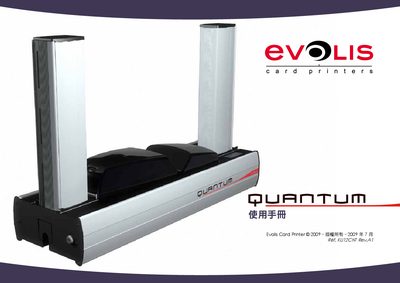
This manual introduces the Evolis Quantum card printer, describing its components, accessories, and basic functions. It guides users through unpacking, connecting power and USB cables, and preparing the printer for first use.
Detailed sections cover installation steps, printer features such as paper capacity and media handling, and maintenance procedures including cleaning kits and spare parts. Safety and warranty information are also included. This manual is written in Chinese.
| Paper capacity (standard media) | 20 sheets (0.76 mm) or 30 sheets (0.38 mm) |
|---|---|
| Additional media capacity | 100 sheets (various colors) |
| USB cable length | 1.80 m |
| Power input voltage (region) | 220 V (Europe/UK), 110 V (US) |
Connect the power cable to the printer and then plug the other end into the appropriate regional power outlet (220 V for Europe/UK or 110 V for the US).
When the printer powers up correctly, the control panel displays “就緒” (Ready) with a steady LED; if the LED does not light, the installation may be incorrect.