
User manual for EUCHIPS PX24500D DMX512 RGBW decoder with interface, address settings, and connection instructions.
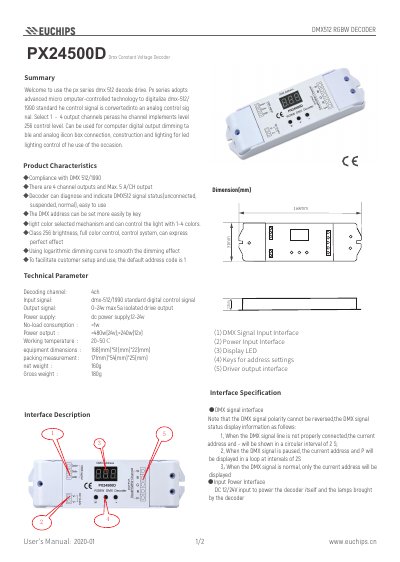
This document provides instructions for using the EUCHIPS PX24500D DMX512 RGBW decoder. It includes details on setting the DMX address using keys, diagnosing signal status via LED indicators, and connecting to RGBW LED modules. The decoder supports 4 output channels with 256-level brightness control and can be powered by 12-24V DC. It automatically adjusts output current based on load and features a default address of 1. This manual is written in Chinese.
| Device Dimensions | 168mm*51mm*22mm |
|---|---|
| Net Weight | 160g |
| Gross Weight | 180g |
The default address code is set to 1.
The maximum output current per channel is 5A.
When the DMX signal is normal, only the current address will be displayed.